
What to Get From Your Designer: A Practical Logo Deliverables Checklist
Before a logo project wraps up, make sure you receive the source files, variations, brand specifications, and usage guidance your business will actually need.
 By Valeria Lorenzana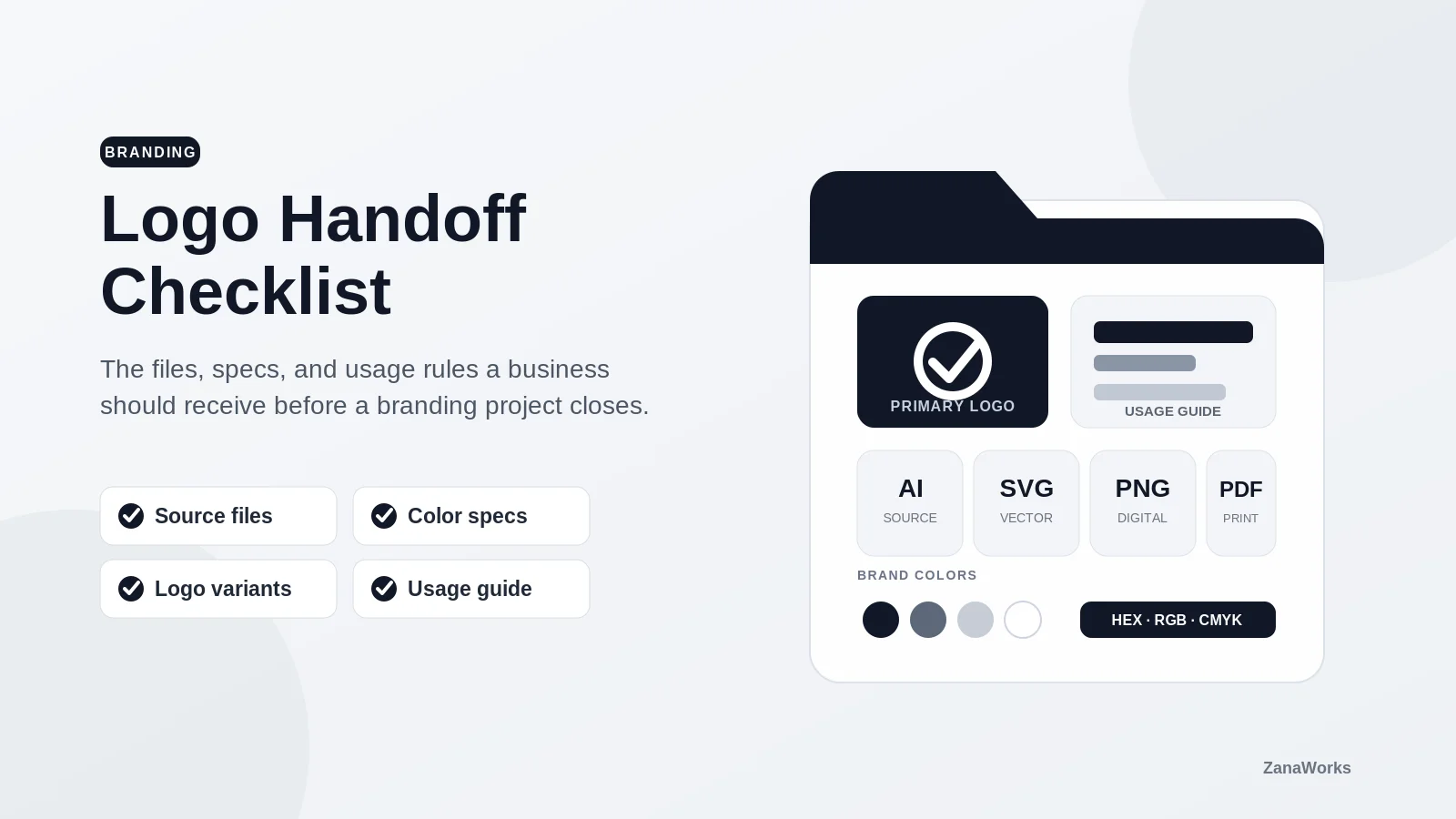
A logo approval is not the end of a branding project. It is the point where the logo needs to start working: on your website, invoices, social profiles, signs, apparel, proposals, and whatever comes next.
That only goes smoothly when the final handoff includes more than one image attached to an email. A useful logo package gives your team and future vendors the right files, clear rules, and enough context to use the identity consistently.
Use this checklist before the project closes. It is not about collecting every possible file. It is about making sure you have the files and decisions that prevent unnecessary redraws, substitutions, and last-minute scrambling later.
1. The logo variations you will actually use
One logo rarely works everywhere. Ask for the approved versions needed for different spaces and backgrounds:
- Primary logo: The full, standard version for websites, documents, and most marketing.
- Horizontal and stacked layouts: One may suit a website header while the other works better in a square or narrow space.
- Logo mark or icon: A simplified symbol for profile images, browser icons, app icons, or other small uses.
- Full-color version: The standard logo in its approved brand colors.
- One-color dark and light versions: Solid black, white, or approved single-color options for limited-color printing and dark backgrounds.
- Reversed version: A version designed to sit on a dark or colored background.
Do not assume a logo can simply be recolored or rearranged when a new need appears. Small changes can affect readability, spacing, and recognition. The handoff should show which versions are approved and when to use each one.
2. Editable source files
Your business should retain the master files for the logo you paid to have created. These are the files a designer, printer, sign shop, or developer can use to create a new format without rebuilding the artwork from scratch.
For a logo, request vector source files such as:
- AI for Adobe Illustrator work
- EPS for many print and production vendors
- SVG for web and scalable digital use
- PDF as a broadly compatible vector reference
Vector artwork can scale from a small business card to a large sign without becoming blurry. A PNG or JPG is useful for everyday placement, but it is not a replacement for the original vector artwork.
Already have an old logo that does not meet the spec?
If the only version of your logo is a blurry image, a screenshot, or a small file from an old website, you do not necessarily need to start over. ZanaWorks can recreate an approved existing logo as clean, scalable vector artwork and prepare the practical variations your website, print vendors, and team need. This is a production update, not a redesign: the goal is to preserve the identity you already use while making it usable at any size. Talk with us about updating your logo.
If the designer used another professional tool, ask for its native editable file as well. The exact extension matters less than having an editable master and confirming that you have permission to use it.
3. Ready-to-use web and document files
Most people on your team will not open an Illustrator file. Include exports that are easy to place in common tools:
- SVG for websites and interfaces when the platform supports it
- PNG with a transparent background for presentations, documents, and many digital placements
- JPG only when a background is intentional and transparency is not needed
- Small icon exports for social avatars, favicons, and other compact placements
Ask for the PNG files at sensible sizes, not just one enormous image. For example, a social profile image may need a square export with the mark centered and enough clear space around it. A website header may need a horizontal version rather than a cropped copy of the primary logo.
4. Color specifications
“Use the blue from the logo” leaves too much room for interpretation. Your handoff should name the approved colors and provide values for the places they will be used.
At minimum, request:
- HEX values for websites and digital products
- RGB values for screens and presentations
- CMYK values for standard process printing
- Pantone references when brand-critical print matching is needed
Also ask which colors are primary, which are supporting, and which logo versions should be used on light, dark, or photographic backgrounds. If color contrast affects text or interface elements, have your website or product team verify that those combinations remain accessible.
5. Typography details and licenses
If the logo uses custom lettering, the logo itself should be delivered as outlined vector artwork. That means it can be used without requiring the logo font.
But your broader brand may also include fonts for headlines, body copy, proposals, or the website. For those, document:
- Font family names and the specific weights or styles selected
- Where the fonts are licensed or purchased
- Whether the license covers desktop, web, app, or document use
- Acceptable fallback fonts when the brand font is unavailable
Do not assume that receiving a font file means every team member or vendor can use it. Font licenses often limit who may install a font and where it may be embedded.
6. A short logo usage guide
You do not need a hundred-page brand manual to start using a logo well. A concise PDF or shared document can cover the rules that matter most:
- Required clear space around the logo
- Minimum display sizes for the full logo and the mark
- Approved backgrounds and color combinations
- Which variation to use in common situations
- Examples of incorrect usage, such as stretching, adding effects, changing colors, or placing the logo on a low-contrast image
This guide is especially useful when several people create materials for the business. It gives a future employee, marketing partner, developer, or print vendor a common reference instead of relying on memory.
7. Ownership, licensing, and third-party assets
Before final payment, confirm in writing what your business owns and what is licensed. The agreement should address the final logo artwork, source files, fonts, stock elements, illustrations, and any other materials used in the identity.
Ask direct questions:
- Does the business own the final logo and have the right to modify it?
- Are all final source files included in the handoff?
- Did the design use stock artwork, templates, or third-party assets with usage limits?
- Are there font, image, or software licenses the business must maintain?
- Is the work original and suitable for trademark review, if trademark registration is a goal?
Trademark availability is a legal question, not a design deliverable. If the logo is an important long-term asset, speak with a qualified trademark attorney before assuming a name or mark can be registered.
8. A clean, organized handoff folder
The files are only useful if people can find the correct version. Ask for a clearly labeled folder structure, such as:
Brand Name Logo Package/
  01-Logo-Source/
  02-Logo-Vector/
  03-Logo-Web/
  04-Logo-Print/
  05-Brand-Guide/
  06-Fonts-and-Licensing/
Within each folder, filenames should explain the variation and format: brand-name-primary-color.svg, brand-name-mark-white.png, or brand-name-horizontal-black.eps are much more useful than final-final-new2.png.
Store the complete package somewhere the business controls, not only in an individual’s email or a former vendor’s cloud drive. Give the people responsible for marketing, operations, and your website access to the final folder.
The handoff should make the next project easier
A logo package does not have to be complicated. It does need to be complete enough that your business can use the logo confidently without recreating it each time a new opportunity appears.
Before you close the project, make sure you have approved logo variations, editable vector masters, practical digital exports, color and typography details, simple usage rules, and clear ownership information. Those deliverables turn a logo from a one-time design into a usable business asset.
If you are preparing a new website or digital product around a fresh identity, talk with ZanaWorks. We can help translate your brand into a clear, fast, and usable digital experience.